Support
FAQ
HDR Test Image
Look at this image first. If your current browser environment does not support HDR, you may see nothing at all, which will affect the comparison result below.
When enabled, every AVIF comparison image on this FAQ page gets the SDR filter style.

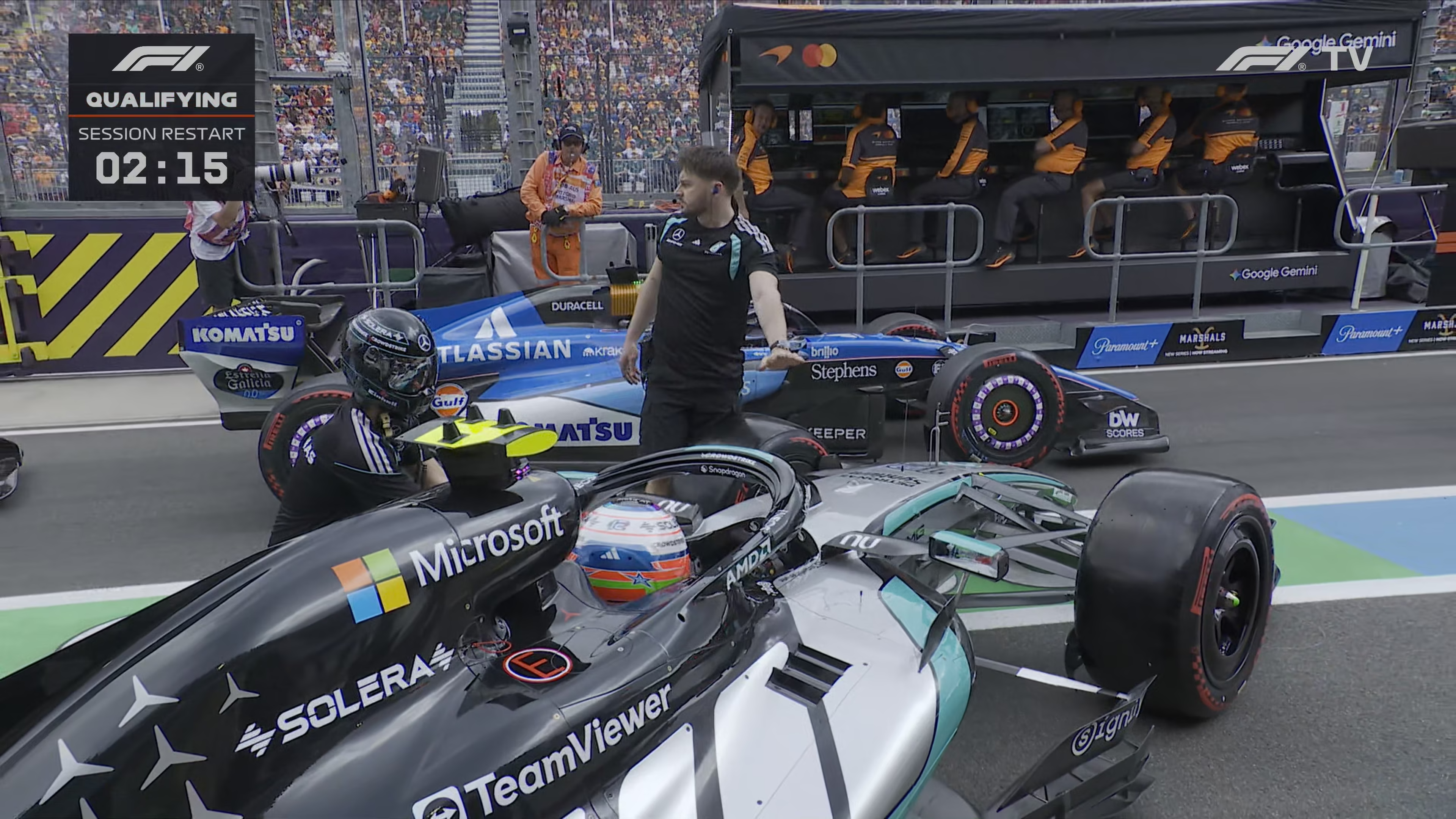
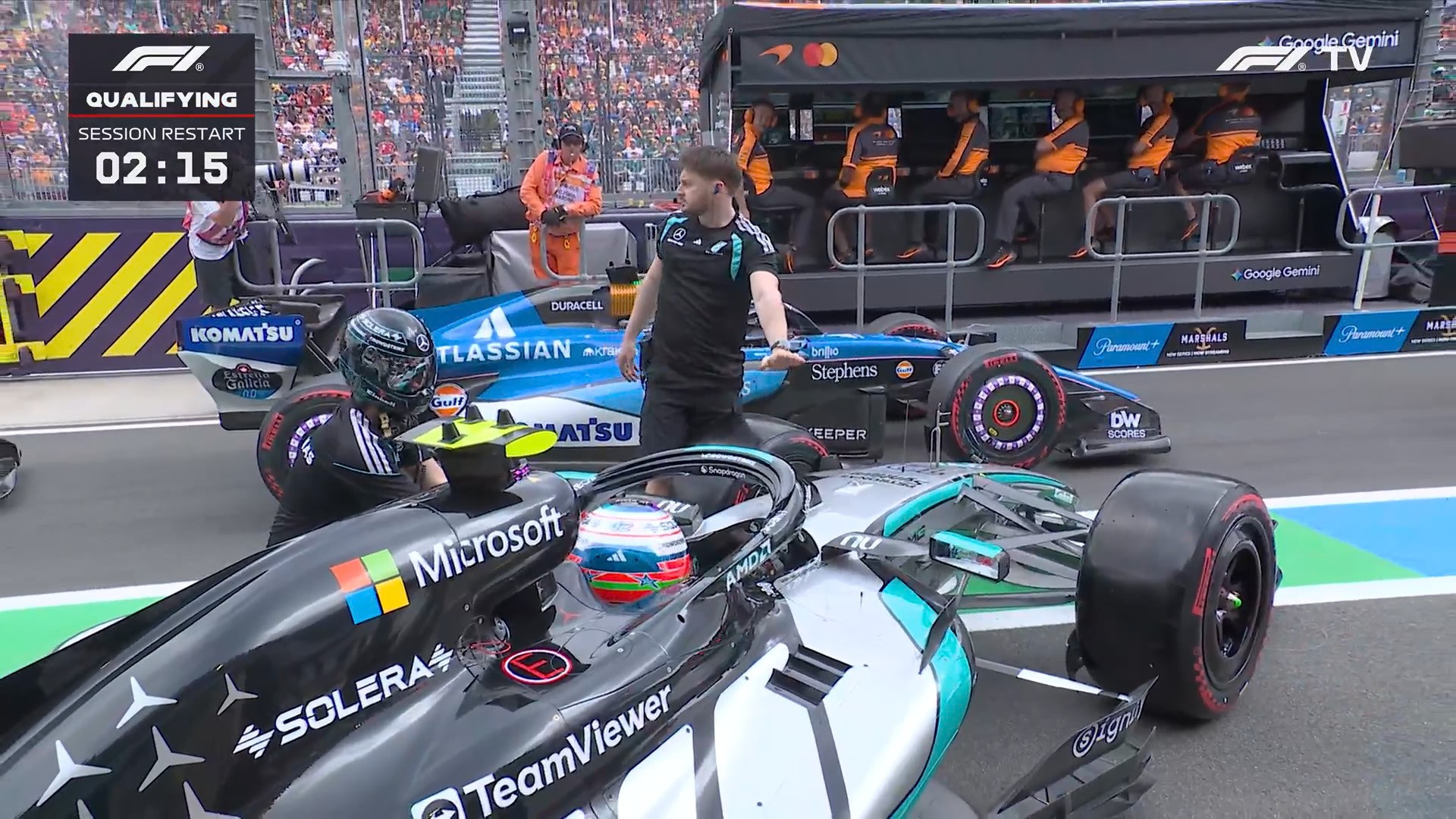
F1TV Feed vs WXTV Sports Broadcast
Drag the slider to compare the same frame from the clean F1TV feed and the overlaid broadcast version, including graphics, sharpness, and compression artifacts.
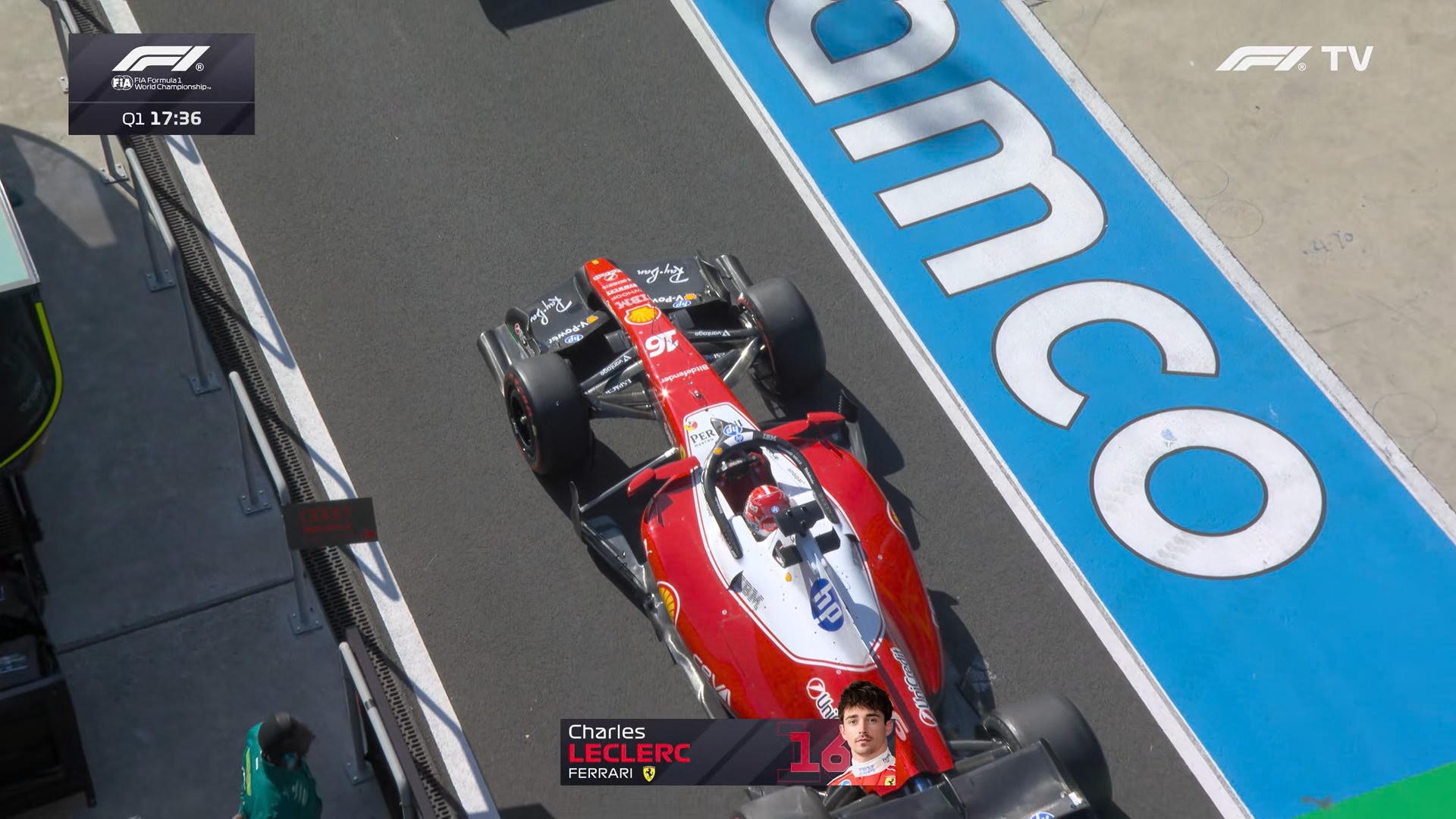
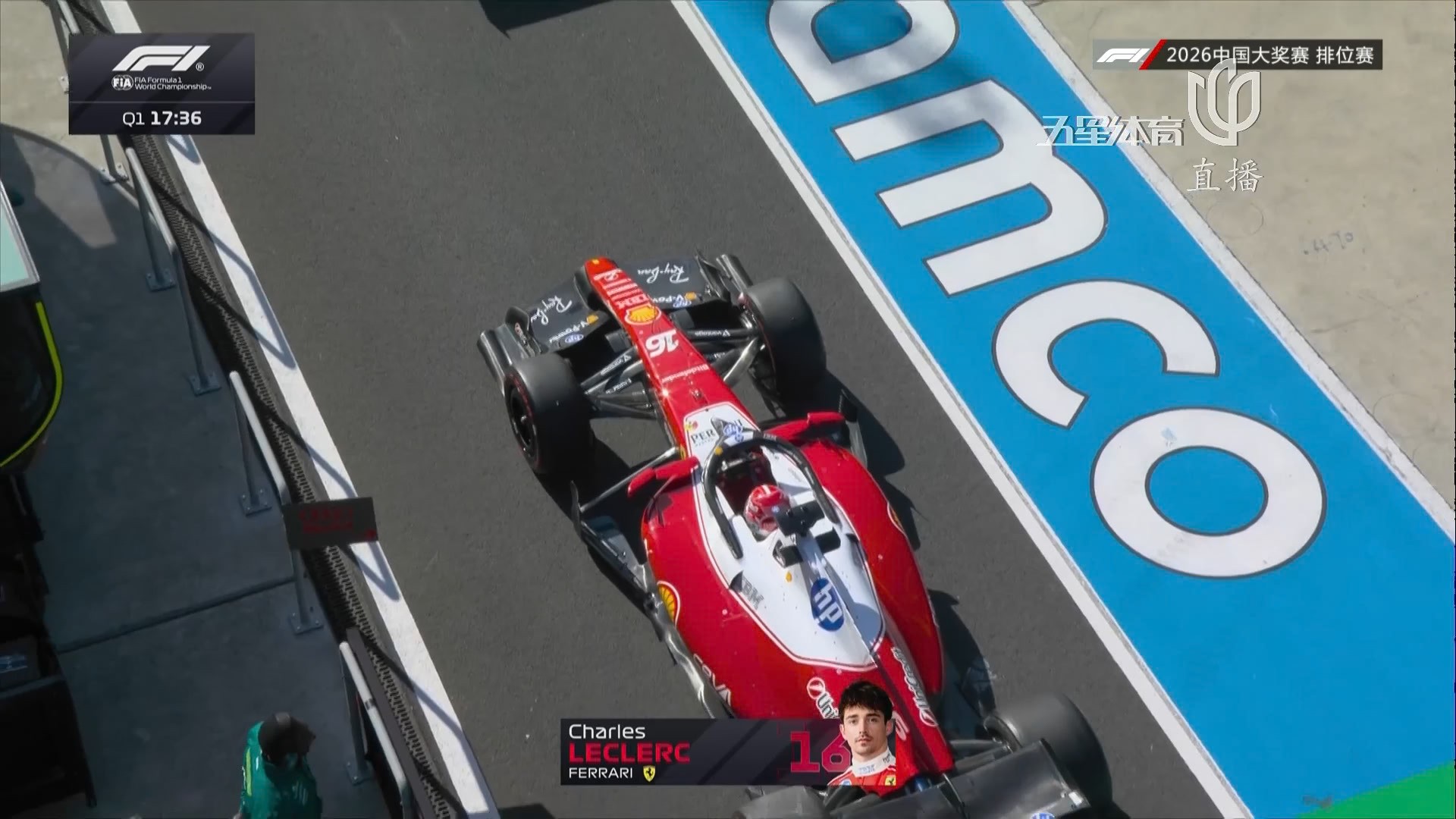
F1TV HDR vs WXTV Sports Broadcast
Use the slider to compare the F1TV 4K HDR version against the TV broadcast source and inspect highlight rolloff, color separation, and retained detail.
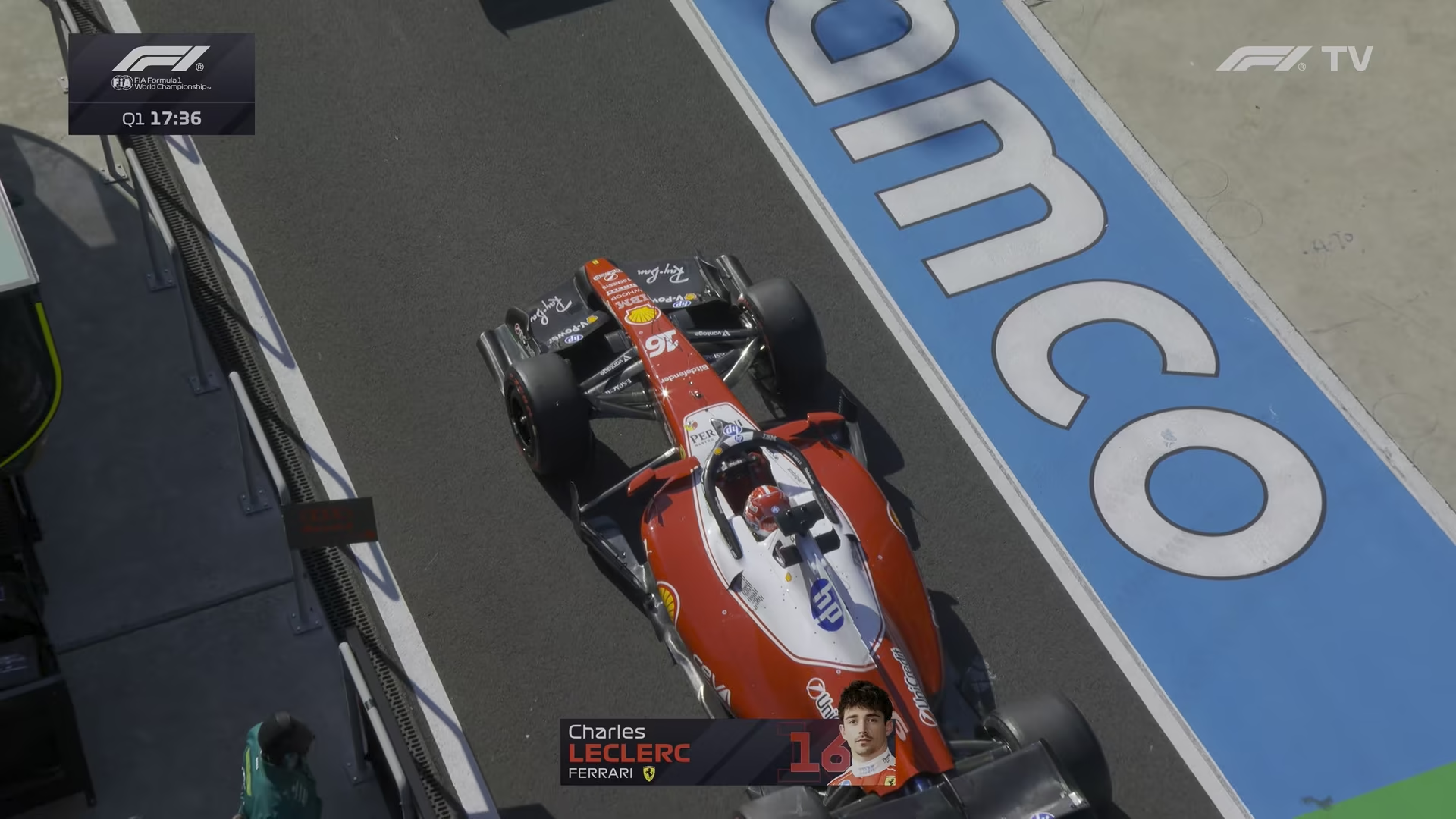
F1TV 1080p SDR vs F1TV 4K HDR
Drag the center handle to compare the SDR replay frame with the 4K HDR version and see the jump in clarity, highlight detail, and overall contrast.
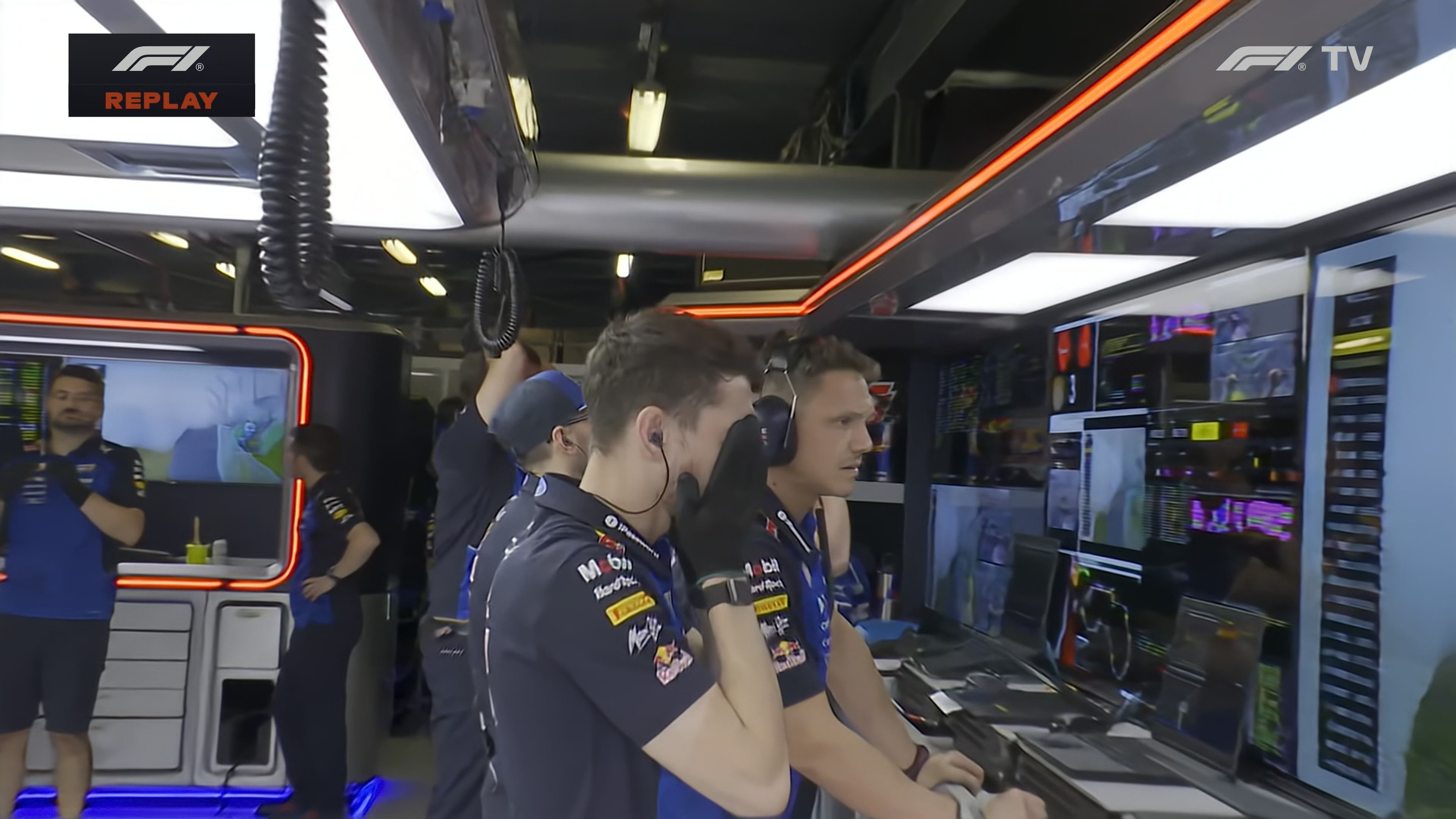
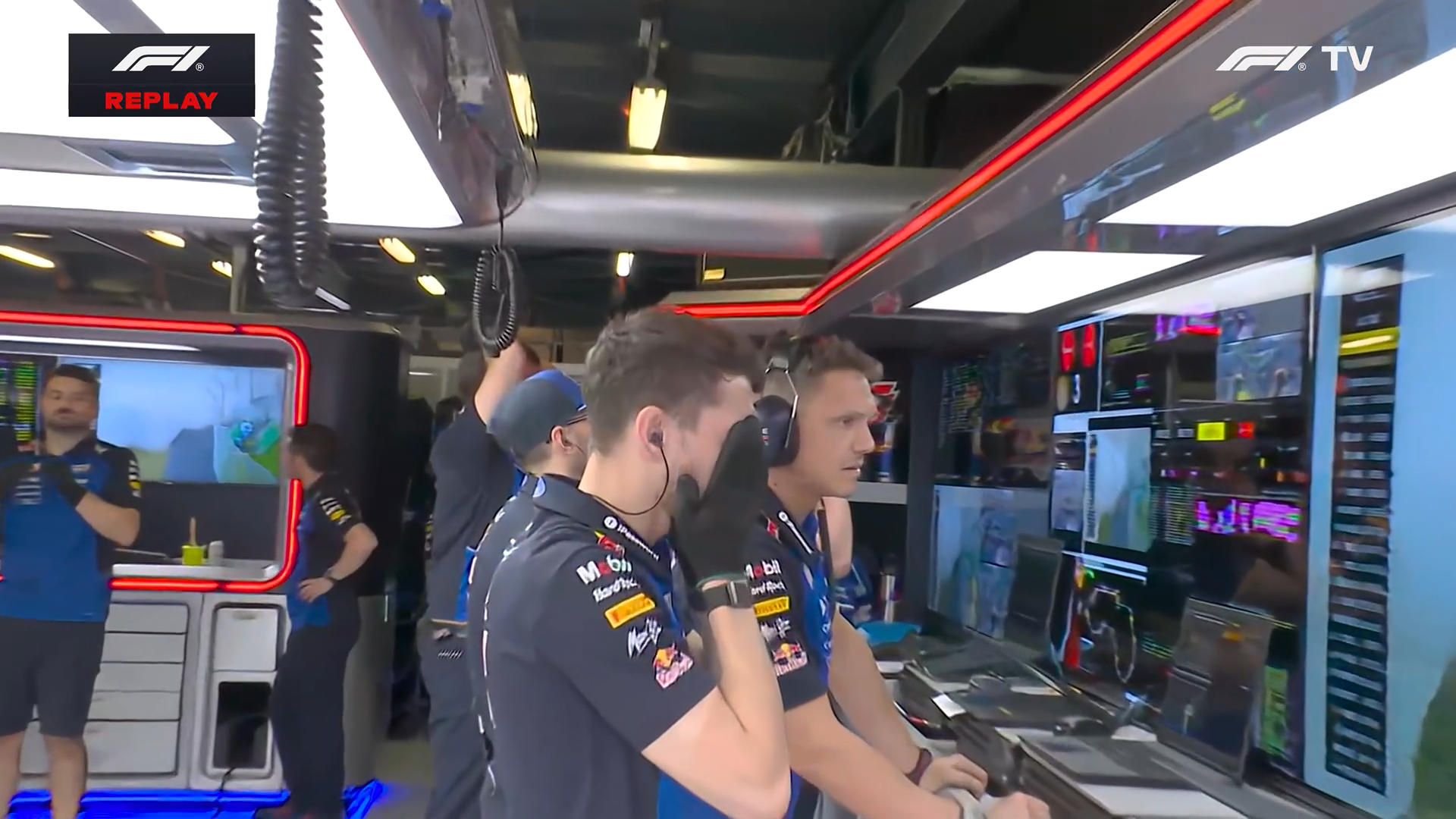
F1TV 1080p SDR vs F1TV 4K HDR, Example 2
A second scene for comparison. Drag the slider to check how the 4K HDR version preserves brighter highlights, cleaner edges, and more stable color in a busy frame.